Ubuntu — business standard
Still first among Linux developers and the usual name on servers and certified laptops. Long-term support. This is the safe sentence in an IT policy.
Ubuntu is the Linux most businesses already know. Linux Mint and Zorin OS are usually better on staff desks. Debian is for machines that must not change. Fedora is the security-minded choice when IT can keep up with a faster release cycle.
Pick a system FedoraUbuntu is the most popular Linux in the sense that matters for companies: developers, servers, documentation, and procurement. Hobby charts that count page visits often rank other desktops higher. Those charts measure curiosity, not installed office PCs.
Still first among Linux developers and the usual name on servers and certified laptops. Long-term support. This is the safe sentence in an IT policy.
People leaving Windows finish email, PDFs, and spreadsheets faster here. Familiar taskbar, fewer surprises, LibreOffice already installed.
Reception, warehouse, and accounting PCs should be boring. Debian Stable changes slowly on purpose.
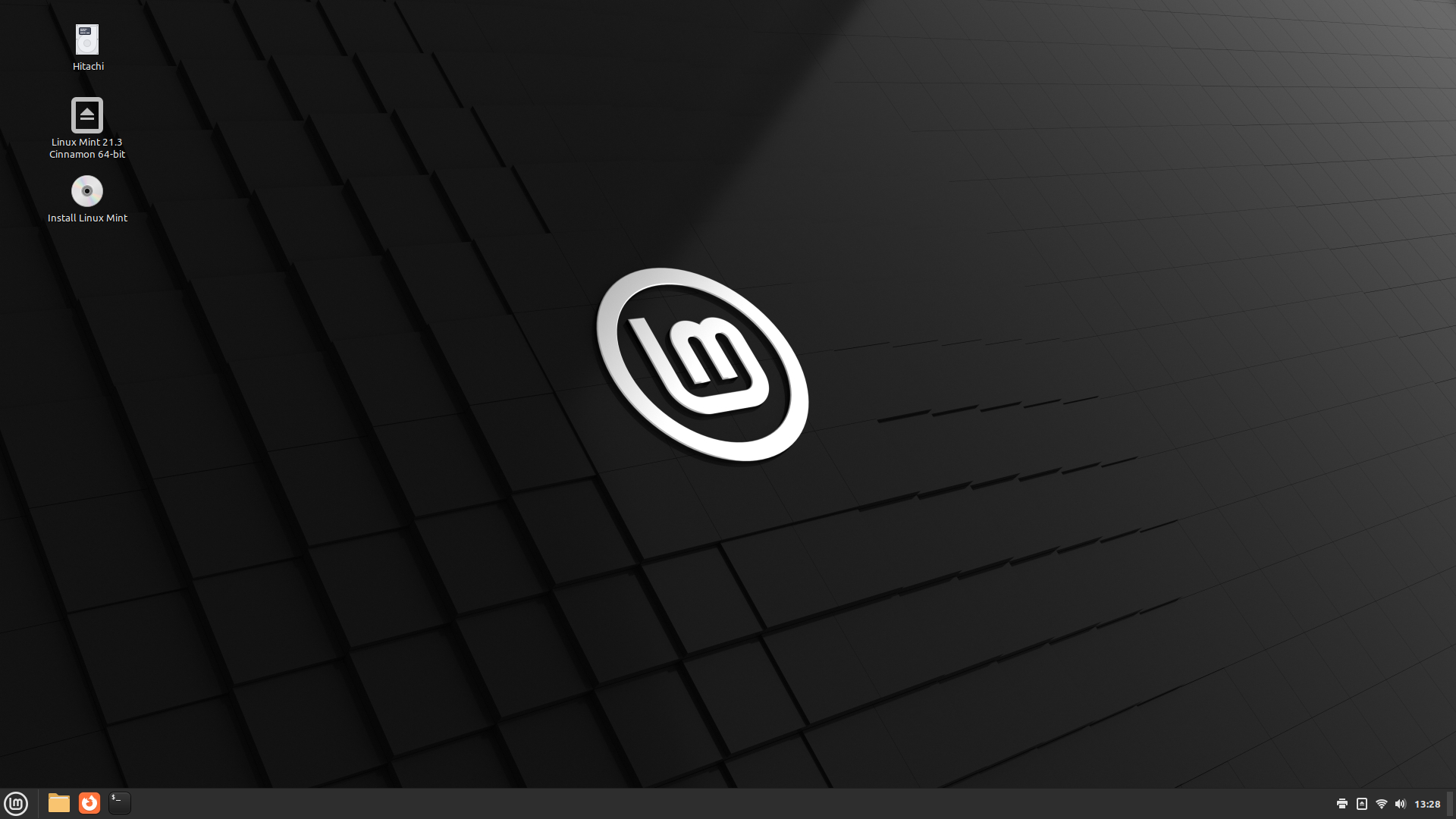
Ubuntu LTS underneath, Windows-like Cinnamon desktop, clear updates, system snapshots. A strong default staff PC.
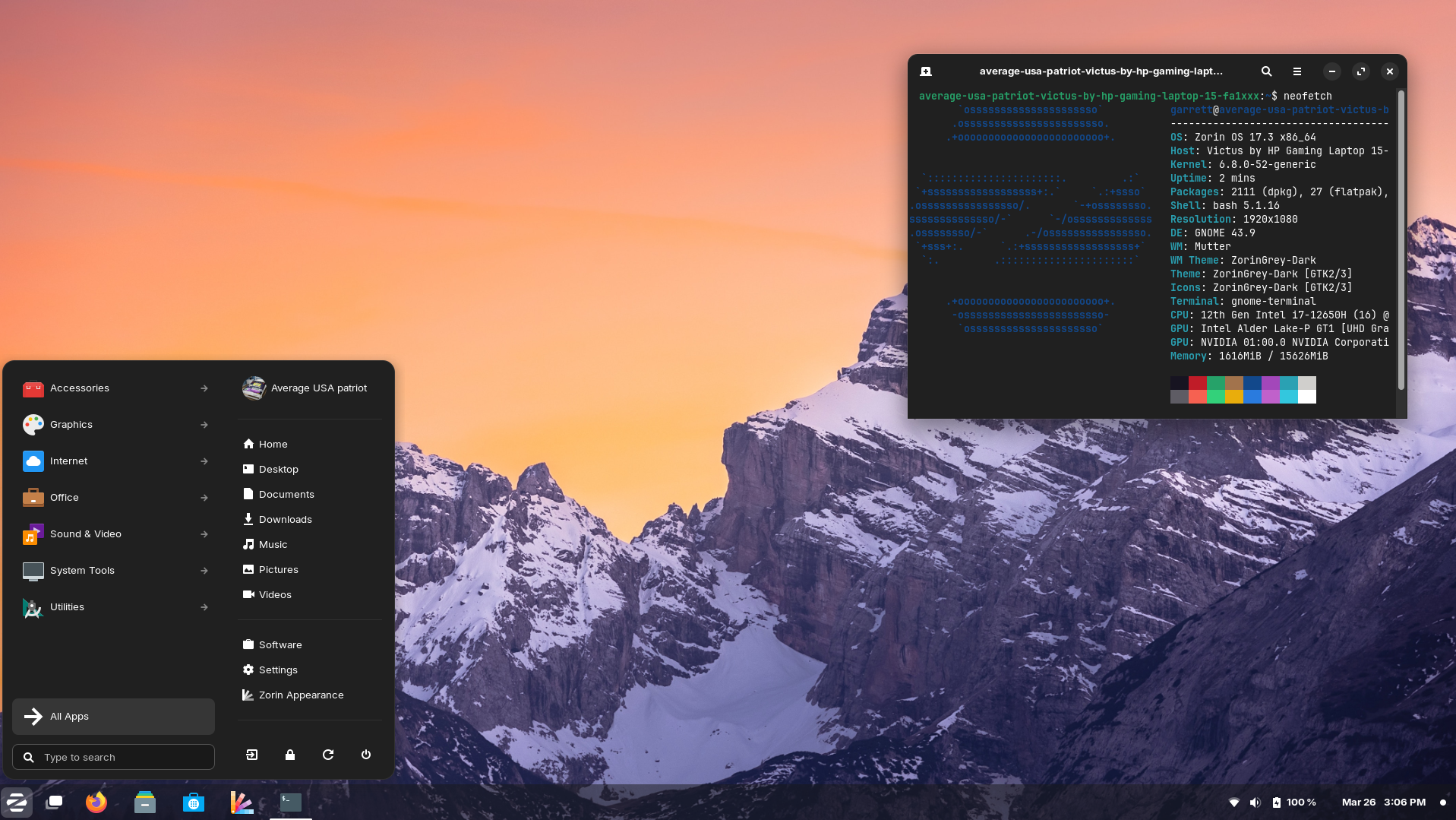
Looks like Windows on day one. Layout presets and hints for Linux replacements of familiar apps.
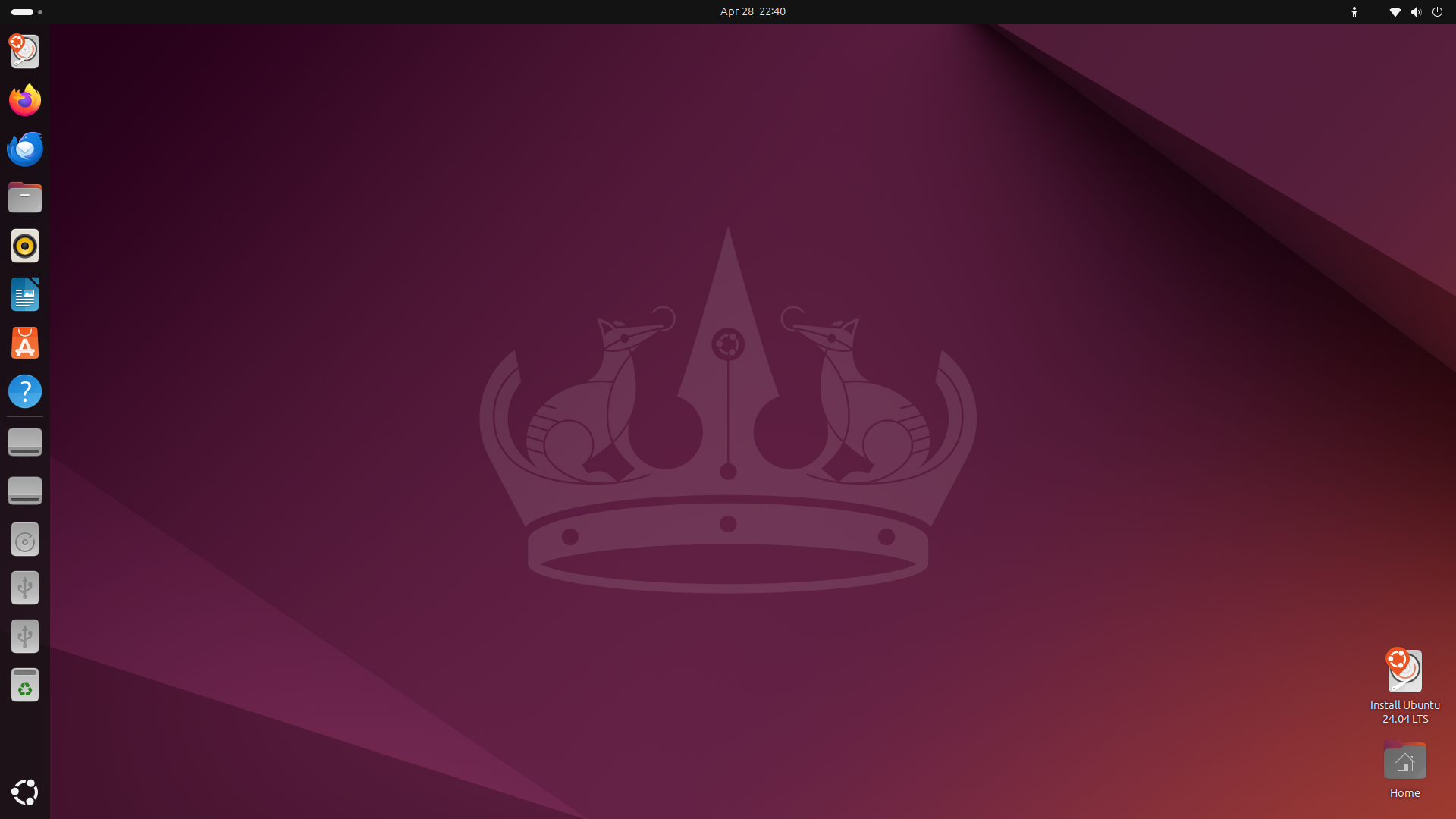
Five-year support, same family as Ubuntu Server, widest vendor testing. Use when laptops and servers should match.
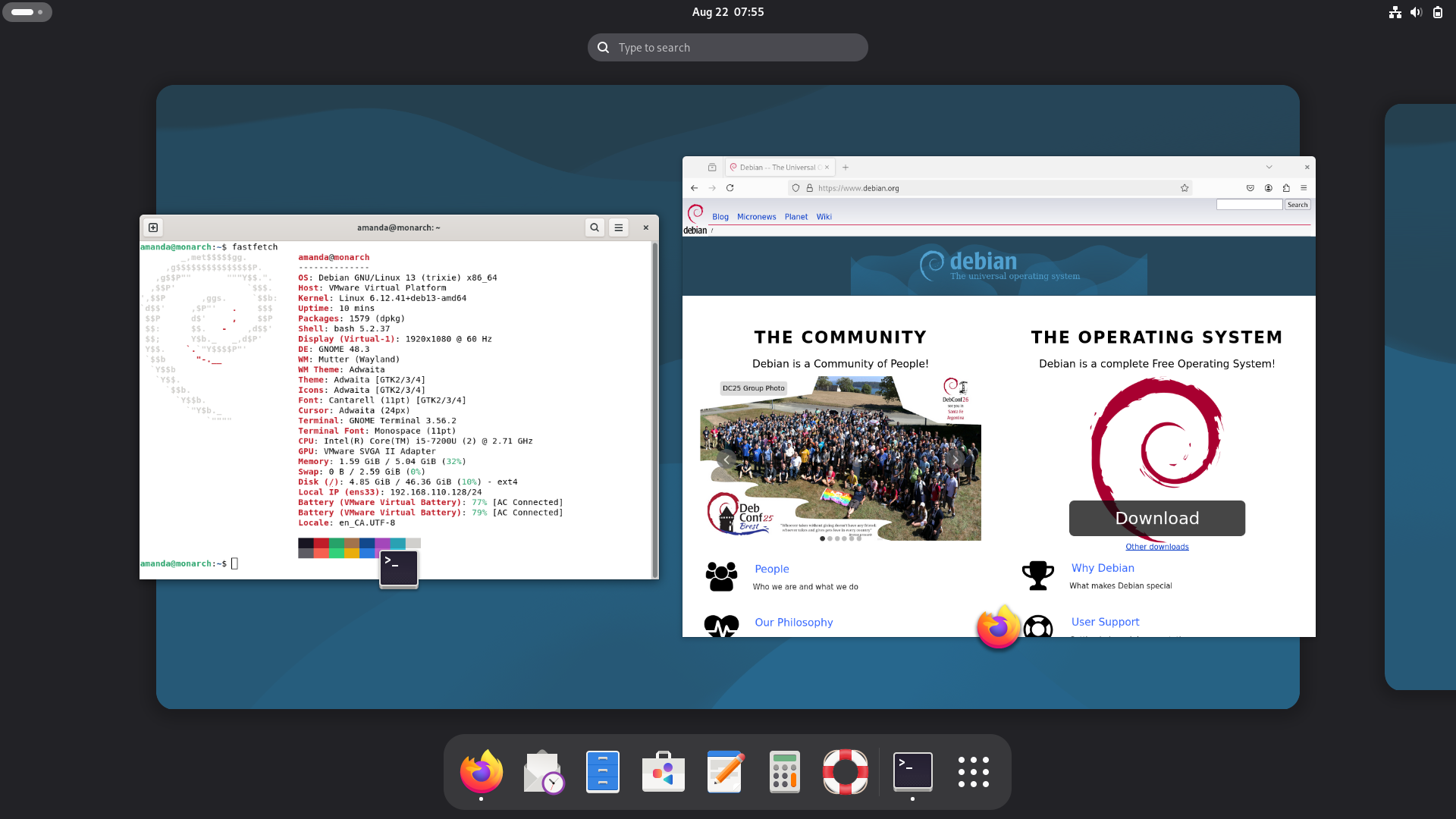
Independent and conservative. Fixed-role machines that must stay the same for years.
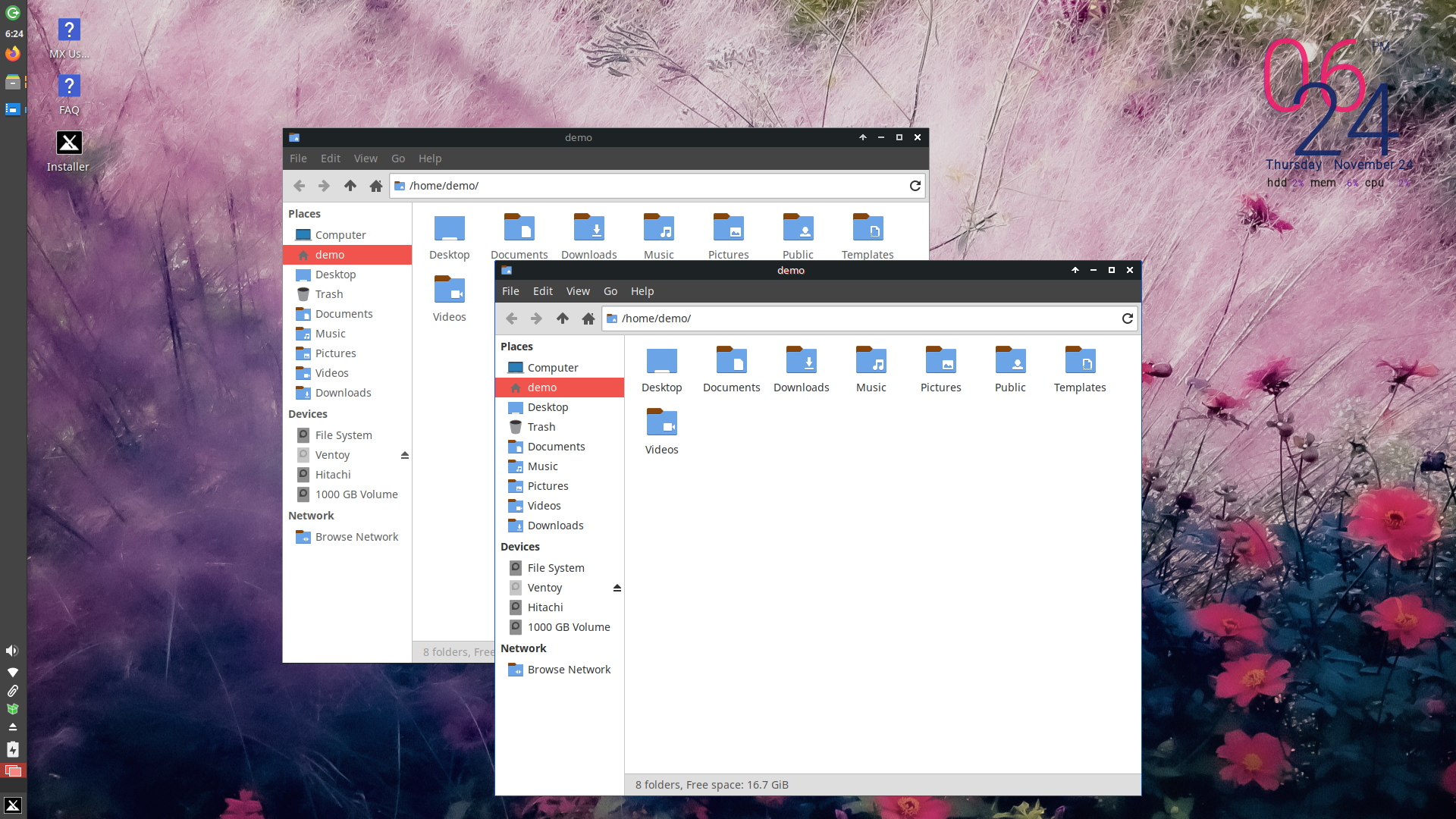
Debian base, light desktop. PCs that will not run Windows 11 well but still do office work.
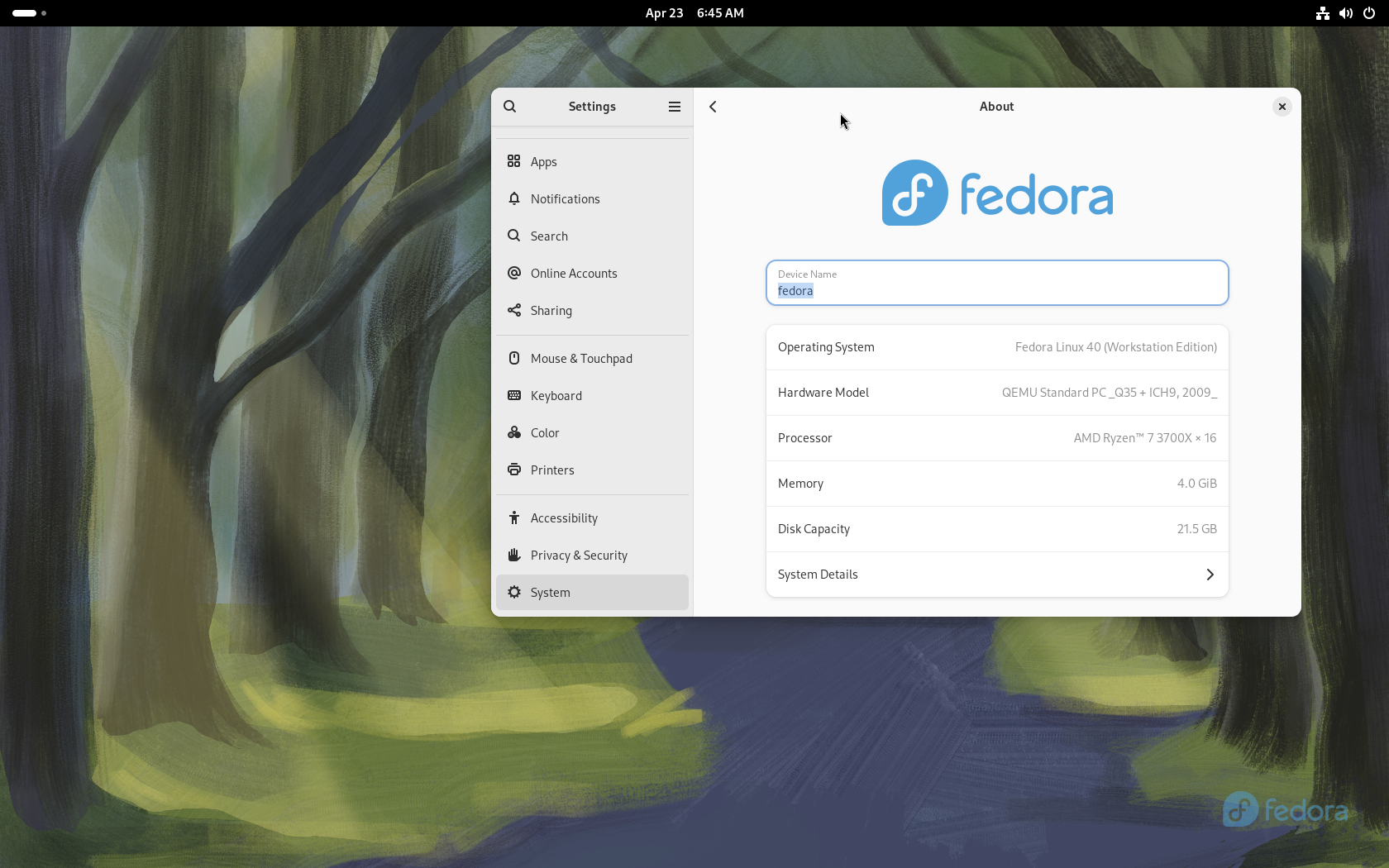
SELinux on by default and a current desktop. A good fit when IT will keep the machines updated.
| System | Best for | How long it stays still | Learning cost |
|---|---|---|---|
| Linux Mint | Most staff desktops | Years (Ubuntu LTS base) | Low |
| Zorin OS | Leaving Windows | Years (Ubuntu LTS base) | Very low |
| Ubuntu LTS | Company standard + servers | 5-year LTS | Medium |
| Debian | Fixed-role PCs | Very conservative | Medium |
| Fedora | Technical staff, strong defaults | About one year per release | Medium |
Fedora Workstation is a first-class Linux desktop. Use it when the team is technical and wants strong security defaults. Use Mint, Zorin, or Ubuntu LTS when the goal is one quiet staff image for years.
IT laptops, developers, and admins who already live on updates. SELinux is on. New security features arrive here early.
A floor of non-technical staff. Reception and accounting PCs. Any machine you want to image once and leave alone for three to five years.
A new Fedora about twice a year, each version for about a year. That is a product choice, not a flaw. Offices that want a long freeze pick Ubuntu LTS, Mint, or Debian instead.
There is no official Microsoft Office desktop for Linux. Decide the file path before you migrate the floor.
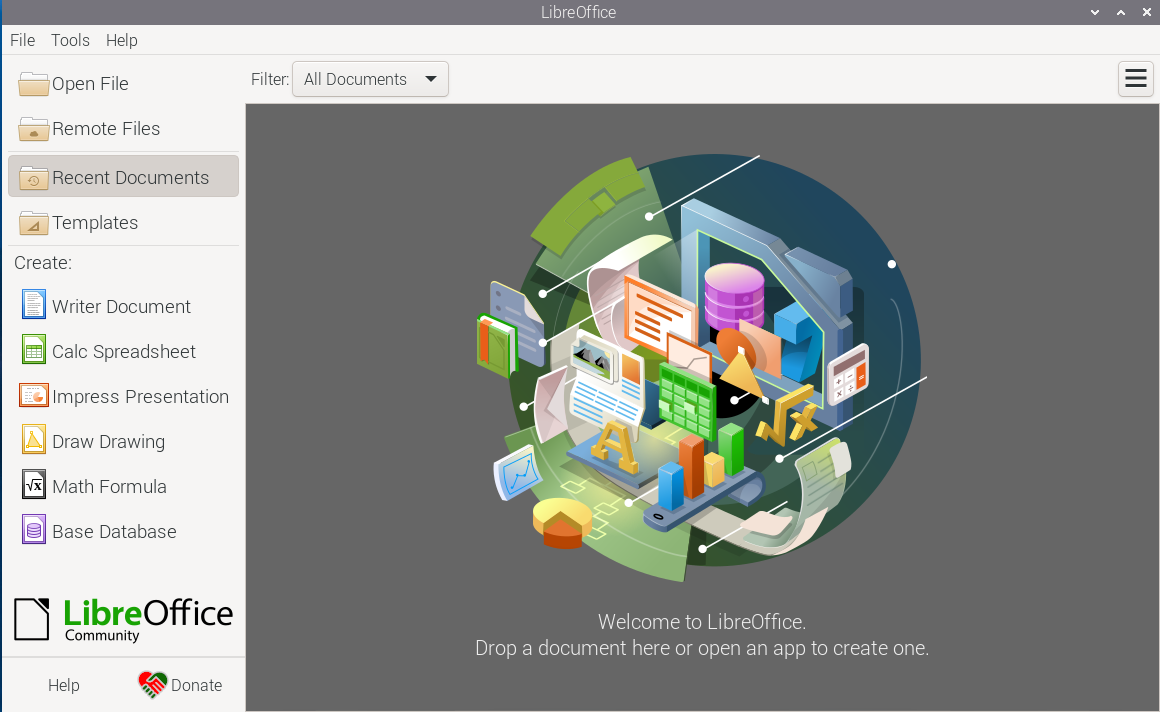
Good for everyday DOCX, XLSX, and PPTX. Test the company’s worst templates: tracked changes, pivot tables, and macros.
Closer to the Microsoft ribbon. Useful when muscle memory is the blocker.
Best if the company already lives in SharePoint, Teams, and shared workbooks.
Still required for VBA-heavy Excel, add-ins, or Windows-only line-of-business software. Keep one VM, not twenty.
Linux is better control, not invisibility: open code, signed software sources, a real admin/user split, and no advertising identity built into the operating system.
Mainstream Linux desktops do not force the telemetry stack common on Windows 11. Documents can stay on the PC.
Disk encryption at install, automatic security updates, firewall, unique accounts, official downloads only.
High-threat legal or investigative work may need isolation systems such as Qubes. That is not the default staff image.